AI Images in Marketing: Disclosure Laws for Business Owners
June 17, 2026
Website Images Matter: Licensing, AI, SEO, and Speed Best Practices for Business Owners
Images are one of the first things people notice on a website. Before they read your headline, click a button, or scroll through your services, they are already forming an impression based on what they see.
The right images can make your website feel polished, trustworthy, and aligned with your brand. The wrong images can cause confusion, slow down your site, weaken your SEO, or even lead to licensing issues.
For business owners, website images deserve more than a quick download from Google or a last-minute upload from a phone. They deserve a plan.
At JamboJon, we consider website images as part of the overall website strategy. A good image should support the message, fit the brand, load quickly, and be used with the right permissions.
Why Image Licensing Matters
Just because an image is easy to find online does not mean it is free to use.
Images found on Google, Pinterest, social media, another website, or even a vendor’s page may still be protected by copyright. Google specifically recommends confirming license details with the image provider or host site before using an image. In other words, Google can help you find images, but it does not automatically grant permission to use them.
This matters because businesses can receive copyright demand letters for images used without the proper license. Sometimes the image may have been uploaded years earlier, added by a past employee, placed by a contractor, or copied from a source that looked harmless at the time. Unfortunately, “I found it online” is not the same as “I have permission to use it.”
Licensing images protects your business, your brand, and your website investment.
Safe Places to Find Website Images
There are many ways to source images for websites, but not all options offer the same level of clarity.
Paid stock image libraries are often the best option for business websites because they provide clearer licensing terms. JamboJon commonly uses Adobe Stock for professional photography, illustrations, vectors, and other visual assets licensed for commercial use. Adobe Stock’s standard license allows assets to be used on websites and social media with no limitation on website views, though there are still restrictions for certain uses, such as resale products, logos, or editorial-only content.
Other common paid stock resources include Shutterstock, iStock, Getty Images, and Canva Pro. These can be useful, but each platform has its own license terms, so it is important to understand what is allowed before using the image.
Free image libraries such as Unsplash, Pexels, and Pixabay can also be helpful, especially for supporting blog or social media visuals. However, business owners should remain cautious. Free does not always mean risk-free. Images may include recognizable people, private property, trademarks, logos, artwork, or branded products, which raise additional concerns about commercial use.
Custom photography is often the best choice when a business needs authenticity. Team photos, project photos, product photos, workspace images, before-and-after photos, and client-owned brand photography can help a website feel more specific and trustworthy.
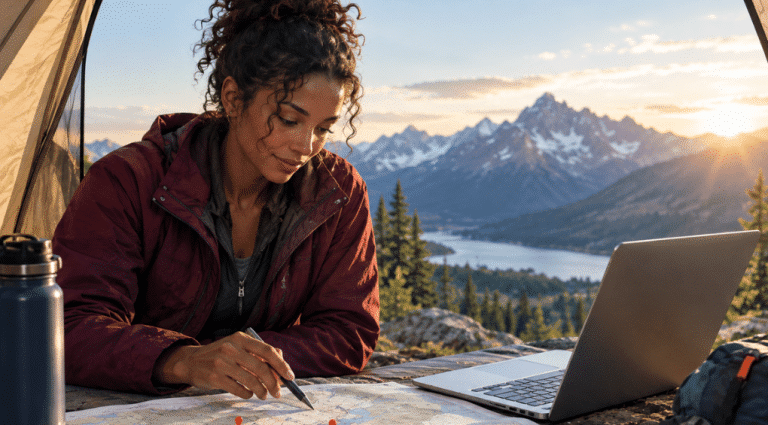
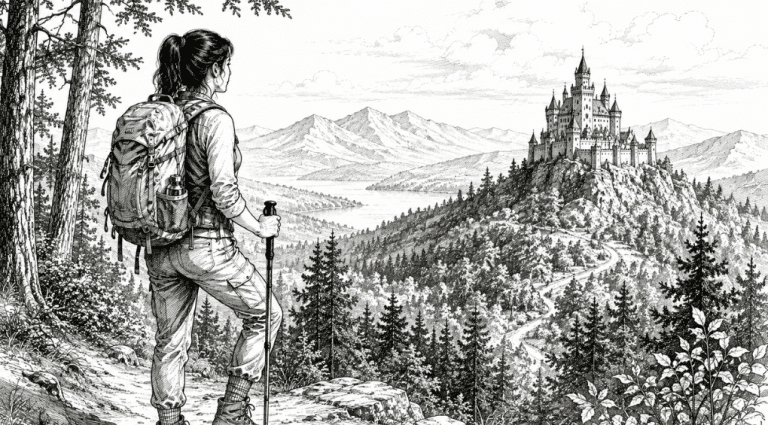
AI-generated images are another powerful option, especially when you need a custom visual concept, a background, a stylized image, or an idea that would be hard to photograph. The key is to use AI images thoughtfully and review them before publishing. Be sure to check with your AI provider to see what your agreement with them is regarding copyright and ownership of those images. Check out our recent article regarding AI images and a few laws going into effect.
Can You Use AI-Generated Images on Your Website?
AI is a great resource for image creation. It can help businesses create visuals that are more custom, more flexible, and more aligned with a specific brand direction.
For images created with ChatGPT/OpenAI, OpenAI’s terms state that, as between the user and OpenAI and to the extent permitted by law, the user owns the output, and OpenAI assigns its rights in that output to the user. That generally means ChatGPT-generated images may be used for business purposes, as long as the user follows the applicable terms and laws.
That said, AI images still need human review.
Businesses should avoid using AI-generated images that include recognizable real people without permission, protected logos, copyrighted characters, trademarked products, confusing brand lookalikes, or anything that could mislead customers. OpenAI also notes that users are responsible for evaluating whether outputs are appropriate for their use case.
There is also a difference between using an AI-generated image and being able to claim copyright protection over that image. The U.S. Copyright Office has continued to emphasize the importance of human authorship when evaluating works that include AI-generated material.
The practical rule for business owners is simple:
AI images can be useful, but they should still be reviewed for brand fit, legal risk, accuracy, and professionalism before they go on your website.
What to Do If You Receive a Copyright Demand Letter
If you receive a letter or email requesting payment for an allegedly unlicensed image, do not panic or ignore it.
Start by taking a careful, organized approach. Take a screenshot of your media library data and the image in question as it is posted online. Then remove the image and replace it with a licensed one while you review the claim. That includes both removing the image from the page or blog, and deleting it from your library. Look for any records that show where the image came from, such as a stock license, purchase receipt, download history, contractor agreement, or documentation from your website provider.
Avoid immediately admitting fault or paying without understanding the claim. Some claims may be valid, but others may be incomplete, unclear, or unsupported.
You can request documentation proving image ownership, the sender’s authority to make the claim, the exact image use in question, the jurisdiction involved, and the basis for the requested amount.
This is also a good time to contact your website provider and, when needed, legal counsel. A copyright demand letter should be taken seriously, but it should also be reviewed carefully.
How to Properly Resize Images for a Website
Large image files are one of the most common reasons websites load slowly.
A photo taken on a phone or professional camera may be several megabytes in size. That may be fine for printing, but it is usually much larger than needed for a website. Uploading oversized images can slow down the page, hurt the visitor experience, and negatively affect website performance.
As a general best practice, images should be resized and compressed before they are uploaded. Under 100 KB is ideal when possible, especially for standard website images. Larger hero images or full-width banner images may need to be bigger, but the goal is always to balance quality with speed.
Here are a few practical guidelines:
- Use the right dimensions for the space where the image will appear.
- Compress images before uploading them.
- Avoid uploading full-size camera files directly to WordPress.
- Use JPG or WebP for most photographs.
- Use PNG only when transparency or specific graphic quality is needed.
- Use SVG for simple logos or icons when appropriate.
- Use next-gen formats such as WebP or AVIF when possible.
Next-gen image formats are designed to deliver high image quality while reducing file sizes. WebP is commonly used on modern websites because it can reduce file size while preserving visual quality. AVIF can provide even stronger compression in some cases, though WebP is still the more common choice for many WordPress websites.
The goal is not to make every image tiny at the expense of quality. The goal is to make each image as light as possible while still looking professional.
How to Label Images for SEO
Image optimization is not only about file size. It is also about helping search engines and users understand what the image is about.
Before uploading an image, rename the file with a clear, descriptive name. A file called IMG_4829.jpg does not tell Google, your website, or your team anything useful. A file called custom-home-builder-draper-utah.webp is much clearer.
Good image file names should be:
- Short
- Descriptive
- Relevant to the page
- Written with hyphens between words
- Natural, not stuffed with keywords
Alt text is also important. Alt text helps describe an image for screen readers and provides search engines with helpful context. The best alt text describes the image naturally. It should not be a long list of keywords.
For example:
Weak alt text:
website image
Better alt text:
Business owner reviewing website images for a service page
If an image is purely decorative, it may not need keyword-focused alt text. If the image supports the page's content, the alt text should describe it clearly and helpfully.
How JamboJon Helps Clients Make Better Image Decisions
Website images are part of the bigger strategy.
At JamboJon, we help clients think through images in ways that support the brand, the message, the visitor experience, and the long-term health of the website. That may include guidance on stock photography, AI-generated images, image quality, licensing, SEO, and page speed.
The goal is not just to make a website look good. The goal is to make sure every visual choice supports the business.
A strong website image should feel on-brand, load quickly, be used with proper permission, and help visitors better understand the company.
That is where thoughtful website planning makes a difference.
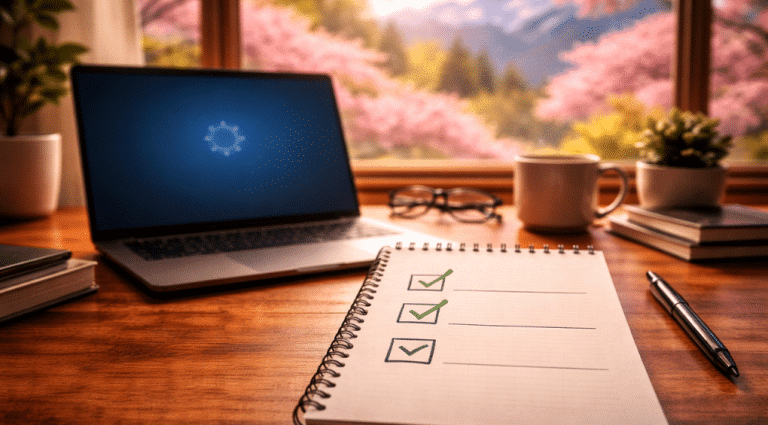
A Simple Website Image Checklist for Business Owners
Before adding an image to your website, ask:
- Do we have permission or a license to use this image?
- Do we know where the image came from?
- Is the image appropriate for commercial use?
- Does it match our brand?
- Is it the right size for the website?
- Has it been compressed?
- Is the file ideally under 100 KB?
- Is it saved in the best format, such as WebP?
- Does the file name clearly describe the image?
- Does the image need helpful alt text?
- Could the image include a person, logo, product, artwork, or trademark that creates extra risk?
- If it was AI-generated, has a human reviewed it carefully?
Website images are powerful. They tell a story before your words do. With the right plan, they can help your website look more professional, load faster, improve SEO, and protect your business from unnecessary image licensing issues.